REDM Scripts
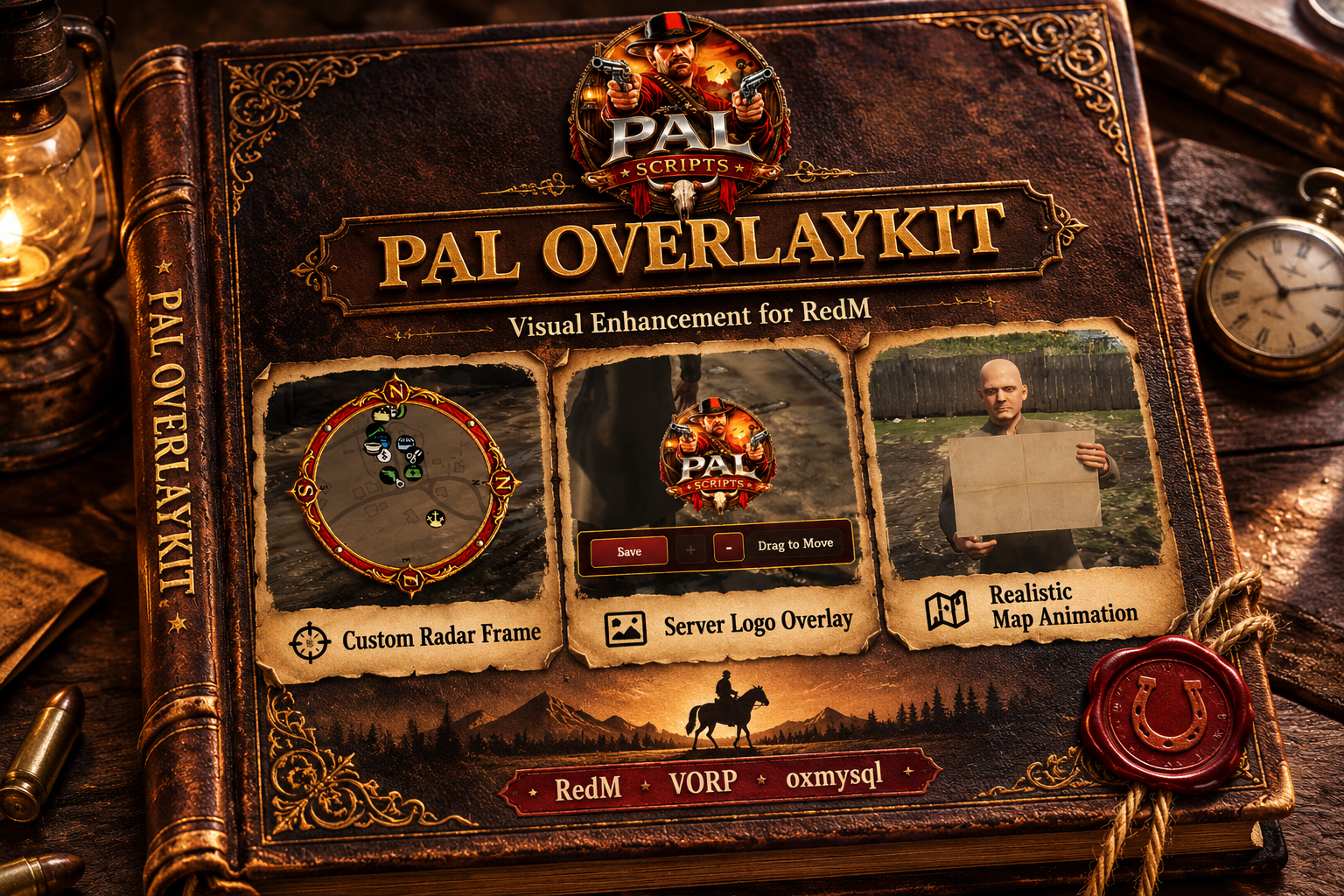
PAL OverlayKit – Custom Radar Frame, Animated Logo & Realistic Map Animation
Enhance your RedM server with PAL OverlayKit, a visual customization resource that brings together three features in one package: a custom radar frame, a server logo overlay, and a realistic map animation.
Designed to give your server a unique visual identity while keeping customization simple and accessible.
🎬 Video Demonstration
Watch PAL OverlayKit in action:
Watch the PAL OverlayKit Video Demonstration on YouTube
✨ Main Features
1. Custom Radar Frame
-
Add a custom decorative frame around the in-game radar.
-
Supports PNG and GIF images.
-
Option to rotate the frame together with the map direction.
-
Customize the frame position and size in-game.
-
Configure opacity through the resource configuration.
2. Server Logo Overlay
-
Display your server's logo on the screen.
-
Supports PNG and GIF images.
-
Customize the logo position and size in-game.
-
Configure opacity through the resource configuration.
-
Give your server a distinctive visual identity.
3. Realistic Map Animation
-
Adds a custom map-opening animation.
-
Displays a folding paper map prop attached to the character's hand.
-
Designed to create a more immersive map-opening experience.
-
Can be enabled or disabled through the configuration.
🎮 In-Game Customization
PAL OverlayKit includes simple in-game editors:
-
/editframe– Customize the radar frame. -
/editlogo– Customize the server logo.
You can:
-
Drag elements to change their positions.
-
Adjust their sizes.
-
Save your preferred layout.
🌍 Multilingual Interface
The customization interface supports:
-
Arabic (RTL)
-
English (LTR)
Choose the preferred language through the resource configuration.
⚙️ Configuration & Database
-
Shared default settings are managed through
config.lua. -
Each player can have their own saved frame and logo layout.
-
Player settings are automatically loaded when they join the server.
-
Players without saved settings use the default configuration.
-
The database table is created automatically when the required database connection is ready.
📦 Package Contents
The package includes:
-
PAL OverlayKit resource files.
-
Configuration files.
-
NUI interface and assets.
-
SQL installation file.
-
Installation and configuration documentation.
📋 Requirements
-
RedM
-
VORP Core
-
oxmysql
-
MariaDB / MySQL
🔧 Installation
Follow the installation instructions provided in the included README file.
Make sure all required dependencies are installed and started before starting PAL OverlayKit.
💬 Support
For support, questions, or assistance with installation and configuration, contact PAL.Dev through the official support channels.
PAL.Dev – Custom RedM Resources & Development
Building Better RedM Experiences.